Cross-Browser Compatibility: Ensuring Your Browser Extension Works Everywhere
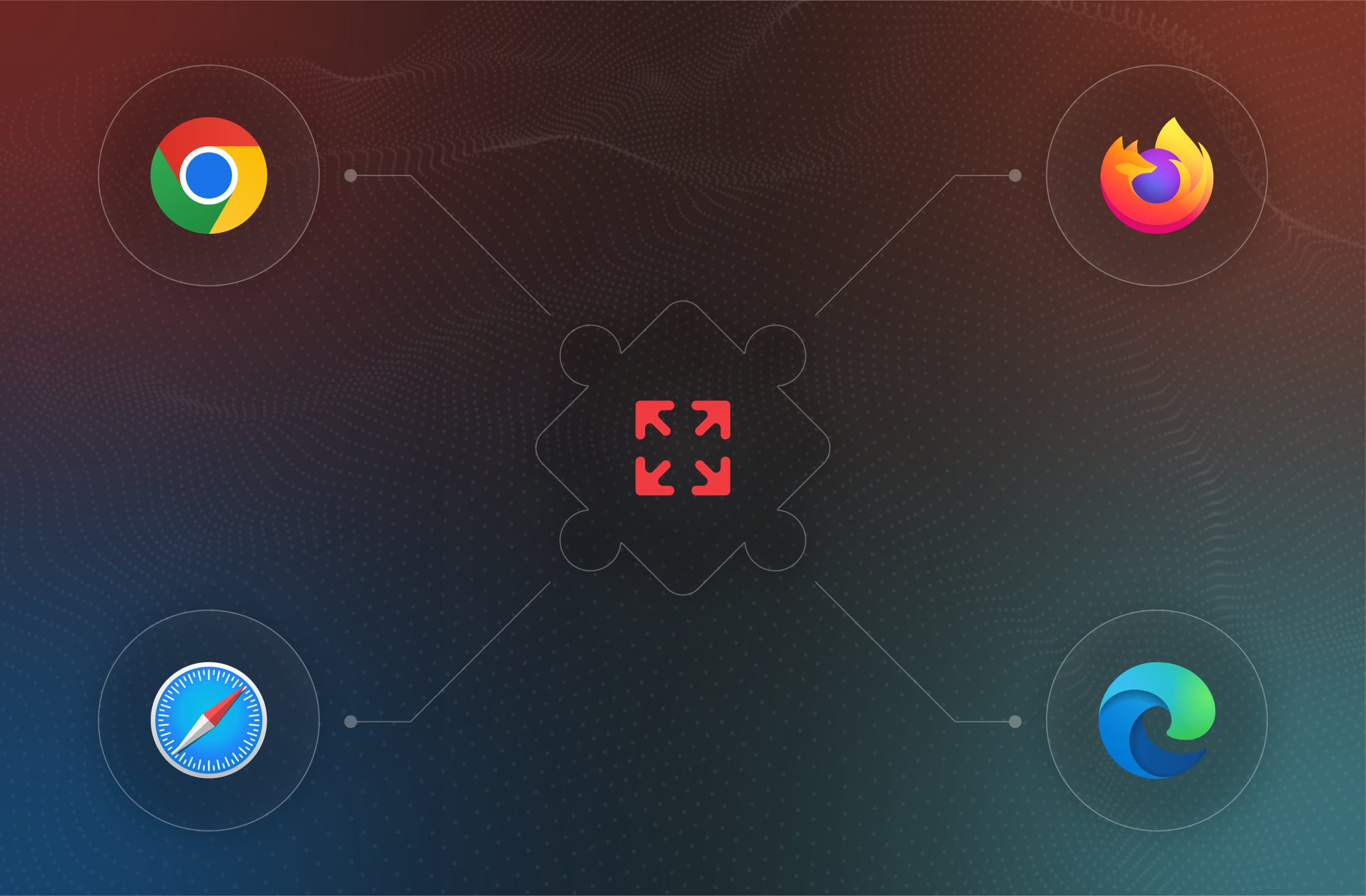
In today’s digital landscape, users expect a seamless browsing experience regardless of the platform they use. Whether they’re on Google Chrome, Mozilla Firefox, Apple Safari, or Microsoft Edge, the expectation is that everything works flawlessly. This is particularly crucial for companies in the cashback, coupon, and security sectors, where reliability is paramount.
However, achieving cross-browser compatibility is not straightforward. It involves more than just writing code that works on multiple browsers. It requires a deep understanding of each browser's intricacies, anticipating potential issues, and strategically developing and testing your extension to meet these challenges. In this article, we’ll explore the key considerations for cross-browser extension development, providing educational insights and sharing how an experienced IT product development agency can help you navigate this complex process.
Understanding the Cross-Browser Challenge
The diversity in browser engines, APIs, security policies, and user interface rendering presents unique challenges for developers. Each browser uses a different rendering engine, such as Blink for Chrome and Edge, Gecko for Firefox, and WebKit for Safari. These engines interpret HTML, CSS, and JavaScript slightly differently, which can lead to inconsistencies in how your extension performs and appears across different platforms.
Moreover, while the WebExtensions API aims to standardize extension development, nuances still exist between browsers. Certain APIs, background script management techniques, or even how storage is handled might require customization for each browser. This adds layers of complexity to the development process and necessitates a thorough understanding of each platform’s specific needs.
Security policies present another layer of challenge. Browsers like Safari enforce strict privacy controls, which may require additional development work to ensure compliance without compromising the user experience. Finally, user interface elements such as popups, buttons, and notifications may behave differently across browsers. A button that works perfectly in Chrome might look or act differently in Firefox or Safari, potentially leading to a disjointed user experience if not properly managed.
Strategies for Achieving Cross-Browser Compatibility
Creating a browser extension that functions seamlessly across all major browsers requires a strategic approach. The process involves not just development but also rigorous testing, performance optimization, and ongoing security management. Here are some best practices to ensure your extension meets the high standards of cross-browser compatibility.
Leveraging the WebExtensions API
The WebExtensions API provides a standardized framework supported by Chrome, Firefox, Safari, and Edge, making it the foundation for most cross-browser extensions. By starting with the WebExtensions API, you can develop a single codebase that can be adapted for each browser with minimal changes. This approach reduces complexity, as you only need to tweak specific parts of the code to accommodate each browser’s unique requirements.
However, while the WebExtensions API provides a solid foundation, it’s not a silver bullet. Differences still exist between how browsers handle certain APIs or background processes. To address these, developers can use compatibility layers, such as webextension-polyfill, which help bridge the gaps between browsers, ensuring consistent performance without duplicating code. This not only saves development time but also simplifies maintenance, allowing you to focus on enhancing functionality rather than constantly troubleshooting browser-specific issues.
Comprehensive Testing: The Backbone of Compatibility
Testing is arguably the most critical component of achieving cross-browser compatibility. Without thorough testing, even minor differences between browsers can lead to significant issues that degrade the user experience. The key is to test early and often, using both automated and manual methods to cover all possible scenarios.
Automated testing tools like Selenium WebDriver and BrowserStack are invaluable for identifying functional and performance-related issues across multiple browsers. These tools allow you to simulate user interactions and verify that your extension behaves as expected, regardless of the platform. Automated tests can quickly highlight discrepancies between browsers, such as differences in how scripts are executed or how UI components are rendered.
However, automated testing alone is not enough. Manual testing remains essential, as it allows developers to experience the extension as a user would. Through manual testing, you can catch subtle UI and interaction issues that automated tests might miss, such as how a popup behaves when resized or how quickly a button responds to a click. This hands-on approach ensures that the user experience remains consistent across all browsers, addressing edge cases that automated tests may overlook.
Optimizing Performance Across Platforms
Performance is a key factor in user satisfaction, and it can vary significantly between browsers. A well-optimized extension not only runs smoothly but also enhances the overall user experience, making users more likely to engage with and recommend your product. The goal is to ensure that your extension is performant across all platforms, regardless of the user’s environment or device.
To achieve this, developers should focus on resource management by keeping the extension lightweight and minimizing the use of background scripts. Unnecessary processes should be avoided, as they can consume resources and slow down the extension, particularly on older or less powerful devices. Memory management is also crucial. Different browsers manage memory differently, so it’s important to optimize your code to prevent memory leaks and reduce the extension’s overall footprint. This ensures that the extension performs well under various conditions, whether users are multitasking or running multiple extensions simultaneously.
Another effective strategy is to implement lazy loading, which delays the loading of resources until they are needed. For instance, if a feature is only required when a user interacts with a specific button, loading that feature only at that moment can significantly reduce initial load times and conserve memory. This approach not only improves performance but also enhances the user experience by making the extension feel more responsive and agile.
Prioritizing Security: A Non-Negotiable Aspect
Security is a critical aspect of browser extension development, especially for companies in the antivirus and security sectors. A secure extension not only protects users but also builds trust, which is essential for maintaining a positive reputation and ensuring long-term success.
To achieve this, developers should adhere to the principle of least privilege by requesting only the permissions that the extension needs to function. Excessive permissions can raise red flags for both users and browser vendors, leading to reduced adoption rates or even rejection from browser stores. By limiting the permissions requested, you not only enhance security but also improve user trust, as users are more likely to install an extension that respects their privacy.
In addition, implementing robust Content Security Policies (CSPs) is essential to protect your extension from common threats like cross-site scripting (XSS) attacks. CSPs help control the resources that your extension can load, ensuring that only trusted content is executed. This adds an extra layer of security, safeguarding both your extension and its users from potential vulnerabilities.
However, security is not a one-time task. The security landscape is constantly evolving, with new threats emerging regularly. To stay ahead of these threats, it’s important to keep your extension updated with the latest security patches and to regularly review and revise your CSPs. By staying informed about the latest security trends and browser policies, you can ensure that your extension remains compliant and continues to provide a safe experience for your users.
Ensuring a Consistent User Interface
A consistent user experience is essential for user satisfaction and retention. However, achieving this across multiple browsers requires careful design and testing, as each browser may render UI elements differently. The goal is to create an interface that looks and behaves consistently, regardless of the browser or device being used.
To achieve this, developers should start by standardizing the styling of UI elements across browsers. This can be done using CSS resets and responsive design principles, which help neutralize differences in default styling. By ensuring that all UI elements are rendered consistently, you create a uniform look and feel that enhances the user experience.
Responsive design is also crucial for cross-browser compatibility. With users accessing your extension on a variety of devices, from desktops to tablets to smartphones, it’s important to ensure that your extension adapts seamlessly to different screen sizes and resolutions. A responsive design ensures that the extension remains usable and visually appealing, regardless of the device or platform.
Finally, thorough UI testing is essential to validate that your extension’s interface behaves as expected in each browser. This includes testing how buttons, popups, and other interactive elements respond to user actions, as well as how the overall layout adjusts to different screen sizes. By conducting rigorous UI testing, you can identify and address any inconsistencies, ensuring a smooth and cohesive user experience across all platforms.
Why Cross-Browser Compatibility Matters
For companies in the cashback, coupon, and security sectors, cross-browser compatibility is not just a technical requirement—it’s a business imperative. Users expect your extension to work flawlessly, regardless of the browser they use. Any inconsistencies or performance issues can lead to user frustration, negative reviews, and ultimately, a loss of business. In today’s competitive market, delivering a consistent, high-quality user experience across all major browsers is key to differentiating your brand and driving user engagement.
A truly cross-platform extension can also help you reach a wider audience. By ensuring that your extension functions seamlessly on all major browsers, you can attract users from diverse backgrounds and browsing habits. This not only enhances your brand’s reputation but also increases the likelihood of user adoption and retention.
Partnering with Cupcake Development for Creating Top-notch Browser Extensions
At Cupcake Development, we bring a product-focused approach to browser extension development. We guide our clients through every stage of the process, from the initial concept to final deployment, ensuring that the product we deliver is one that your users can genuinely engage with and benefit from. Our approach is comprehensive, combining industry best practices, extensive testing, and meticulous attention to detail to ensure that your extension functions flawlessly across all major browsers.
However, our commitment doesn’t end with the launch. We believe in building long-term relationships with our clients, offering ongoing post-production support to keep your extension performing at its best. Whether it’s regular updates, performance enhancements, or new feature development, we’re here to ensure your extension evolves alongside your business needs and browser updates.
Our team has extensive experience in creating extensions that not only meet technical requirements but also align with your business goals. We understand the importance of cross-platform compatibility in delivering a consistent, secure, and engaging user experience. By partnering with us, you can rest assured that your extension will not only meet the highest standards of quality but also provide lasting value to your users.
If you’re looking for a partner who can help you navigate the complexities of cross-browser extension development, we’re ready to assist. Contact us today to learn how our expertise in cross-browser compatibility can add value to your business and provide your users with a seamless experience across every platform.